What a product launch video project includes
A launch video project covers the story, the motion and every file the launch needs. The proposal says which of these are in scope and who supplies screens, copy, access to a staging build and approvals.
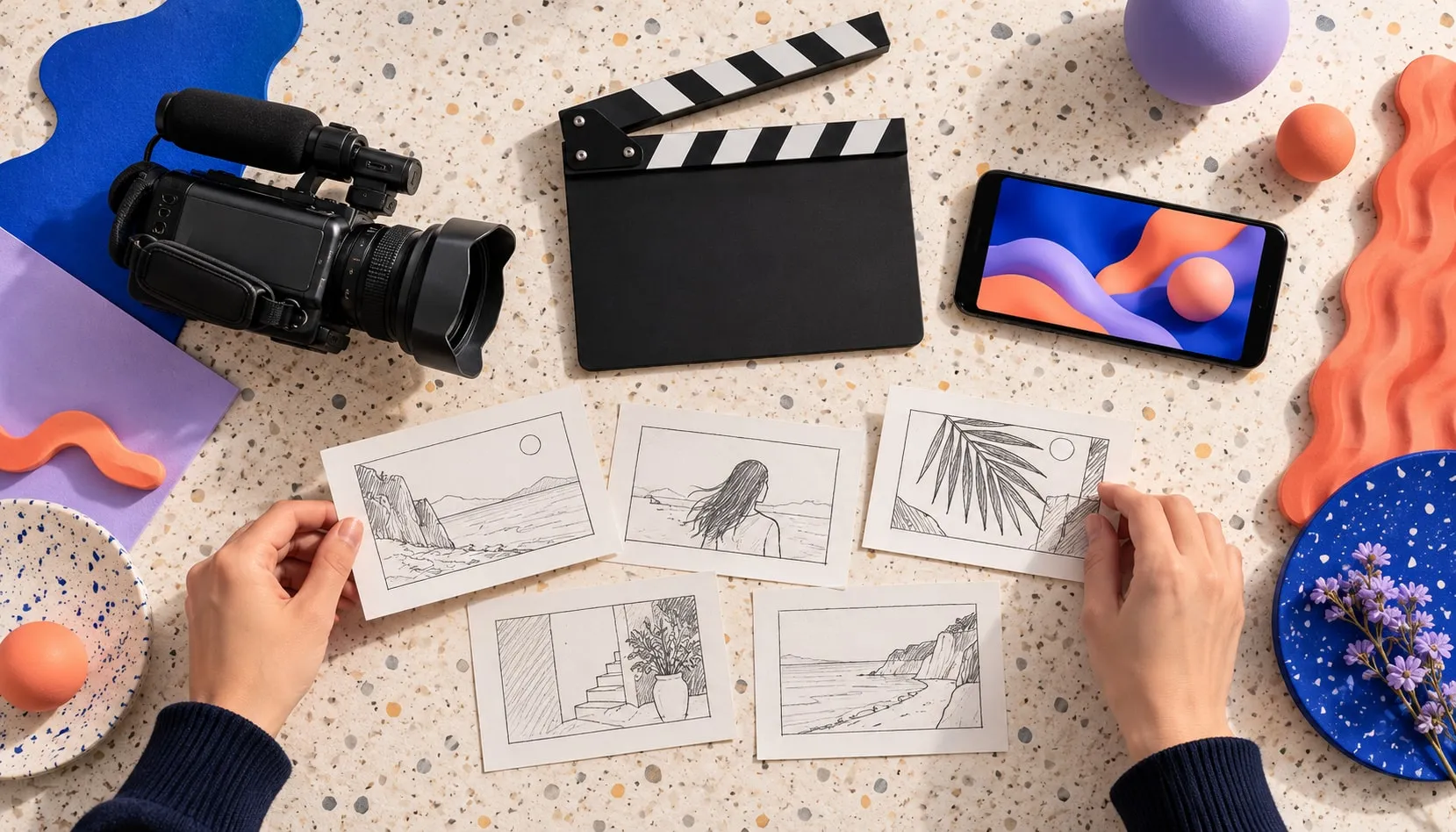
- A script and storyboard written from your product's real screens and states
- Motion built in code from your interface, or recorded from the live product
- Typography and on-screen text in your brand, readable with the sound off
- Sound: music and effects, and a voice-over when the story needs one
- A master, plus cuts for each aspect ratio, length and language
- Captions, posters and export notes for your site, social feeds, ads and app stores
Why build the video from your product's real interface
A launch video makes a promise about the product, so the safest material is the product itself. When the video shows the screens people will actually use, their first session confirms the ad instead of contradicting it, and the colors, type and motion already belong to your brand.
App stores ask for the same thing. Apple's App Store Review Guidelines say app previews may only use video screen captures of the app itself, with narration and text overlays allowed to explain what the footage can't. Google Play's help for preview videos asks you to show the app's core experience within the first 10 seconds.
We start from what exists: the live product, a staging build or the design files. If a feature isn't built yet, the storyboard marks it, and we agree with you whether to wait for it or leave it out.
Motion built in code, or recorded from the live product
There are two ways to turn an interface into film, and many launch videos use both of them.
Built in code: we rebuild the cards, panels and buttons that carry the story as a Remotion composition. Remotion renders video from React components one frame at a time, so every label, number and language is data. Changing a price, a headline or the language means rendering again rather than re-editing a timeline, and the motion uses your real type and colors.
Recorded from the product: we capture the live site in a browser, so the motion is exactly what users see. The short silent films on our work page were made this way from the live Hyper, Janus Observatory and Gissi sites; for Hyper, a controlled browser clock records every step of the animation so no frame is dropped. It suits interfaces that already move well, such as an animated intro or a 3D scene.
Recorded scenes can sit inside a coded composition, framed by your type and transitions. Either way, the video is built from your product, not from stock footage or a generic device mockup.
Superame: a 28.8-second commercial made from its own interface
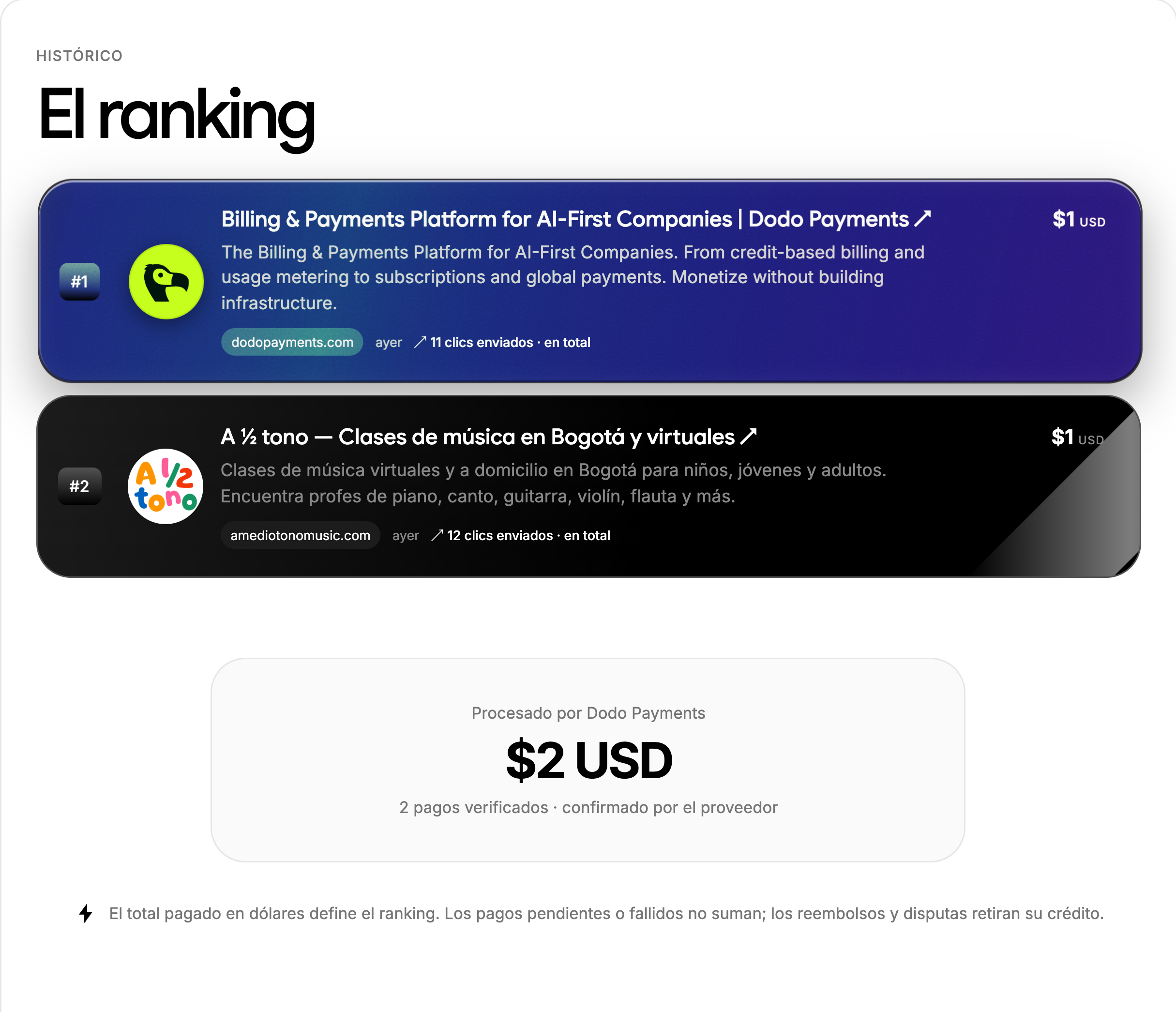
Superame is a public project ranking that Dardo designed and built. Its launch commercial runs 28.8 seconds at 1920 × 1080 and 60 frames per second, with sound, in Spanish. The file's metadata shows it was rendered with Remotion 4.0.520, and it was added to our website on 14 September 2026.
Every shot is Superame's own interface, rebuilt in code. A project card is published, then lost among other cards; the bid panel raises the offer and its Superar button is pressed; the card climbs the ranking to first place. Five lines carry the story: “Lo lanzaste.” (you launched it), “¿Y el resto?” (and the rest?), “Sí. El tuyo.” (yes, yours), “Que te vean.” (be seen) and a closing superame.lol with “hazte ver.” (make yourself seen).
A muted 1280 × 720 cut plays in our portfolio, since muted video can start on its own when the page loads. What this example doesn't show: we haven't published how long it took to make, what it cost or how it performed, and it's one video in one language. It's evidence of the method, not of results.
One master, cut for every place it plays
Each platform crops, limits and plays video differently, so we plan the cuts in the storyboard and keep key text inside every format's safe area. As of October 2026, the platforms' own help pages say:
| Where it plays | Shape | What the platform's own specs say |
|---|---|---|
| Your website or landing page | 16:9 master, plus a muted loop | Chrome always allows muted autoplay; with sound, only in limited cases, such as after the visitor has interacted |
| YouTube | 16:9 | Upload at the frame rate you made it in; 16:9 is the standard on computers |
| YouTube Shorts | Vertical | Up to 3 minutes, at up to 1080p |
| Instagram Reels ads | 9:16, 1440 × 2560 | Keep the top 14%, the bottom 35% and 6% of each side free of text and logos |
| LinkedIn video ads | 16:9, 1:1, 4:5 or 9:16 | 15 to 30 seconds recommended to run in every placement; under 30 fps; captions as SRT |
| TikTok In-Feed ads | 9:16 recommended | At least 540 × 960; the safe zone depends on the size and the ad's caption length |
| App Store app previews | Set sizes per device, such as 886 × 1920 | 15 to 30 seconds, at most 30 fps, only screen captures of the app |
| Google Play preview video | Landscape or portrait, on YouTube | The first 30 seconds may autoplay muted; YouTube ads must be turned off |
So a 60 fps master like Superame's needs a lower-frame-rate export for LinkedIn and the App Store, and a vertical cut is recomposed rather than cropped, so the interface stays legible on a phone. We re-read each platform's page before exporting, because these limits change.
Captions, sound off and language versions
A launch video often starts without sound: Chrome autoplays video with sound only in limited cases, such as after the visitor has interacted with the site; Google Play autoplays previews muted; and Meta's Reels ad specs call captions optional but recommended. So the story is written to work in silence, with on-screen lines doing the work, and sound adds to it.
Captions are also an accessibility requirement: WCAG 2.2 success criterion 1.2.2, at Level A, asks for captions on prerecorded audio in synchronized media, covering speech and meaningful sounds. We deliver closed captions as SRT files, the format LinkedIn requires, and burn open captions into the feed cuts that take no caption file.
In a coded composition, on-screen text is data, so English, Spanish and Portuguese versions are rendered with their own line lengths, dates and currencies instead of being typed over the English cut. Each language gets its own review before export.
When a launch video is the right investment
A launch video pays off when the product works, its main screens are stable and there's a date and a place for the video to play: a launch post, a landing page, an app store listing or a paid campaign. Before that, a screen recording your team makes is enough to test interest.
If visitors arrive and don't act, the page may matter more than the video: start with a landing page or SaaS website design. If the interface itself is unclear, product design comes first, because a video can only show what's there. For motion that visitors scroll through and control on the site, see creative development.
We don't shoot live action. Actors, locations and a film crew are a production company's work; we can hand them the interface scenes to cut in.
What moves the cost of a launch video
There's no package price: a 15-second loop recorded from a live product and a 60-second commercial with a voice-over in three languages are different jobs. What moves it most:
- Length and the number of distinct scenes
- Whether the interface exists in code or design files we can build from
- Motion built in code, recorded from the product, or both
- A voice-over, and music licensed for paid ads
- Versions: aspect ratios, lengths and languages
- How many people approve the script and the cuts
The proposal prices script, production, sound and each set of versions as separate lines, with dates worked back from your launch. Our pricing page lists the inquiry form's budget ranges.
Questions before you choose
How much does a product launch video cost?
It depends on the length, the number of scenes, whether the motion is built in code or recorded from the product, the sound and voice-over, and how many versions you need. We haven't published a price for this service: we quote after a first conversation, with script, production, sound and versions on separate lines you can compare with other quotes.
How long should a product launch video be?
As long as the place it plays allows. App Store previews run 15 to 30 seconds, LinkedIn recommends 15 to 30 seconds for its feed placements, and Google Play may autoplay the first 30 seconds muted. Superame's commercial runs 28.8 seconds. One storyboard can plan a short cut for feeds and a longer one for the landing page from the same scenes.
How long does it take to make a launch video?
There's no standard timeline. It depends on the number of scenes, how quickly the script and cuts are approved and whether the screens are final. The proposal sets dated milestones worked back from your launch; tell us the date at the start, and if it's close we agree which cut ships first.
Is a launch video the same as an explainer video?
Not quite. A launch video is a short piece that announces a product and shows why it matters; an explainer walks through how the product works and usually runs longer. We make both from the real interface. We don't make character-animation explainers or live-action videos with actors.
Can you make the video in Spanish and Portuguese?
Yes. In a coded composition, on-screen text is data, so each language is rendered with its own line lengths, dates and currencies rather than typed over the English cut; a voice-over needs its own recording per language. Superame's commercial is in Spanish. Each language gets its own review before export.
Who owns the video and the source files?
On final payment, the agreement assigns the rights in the final video to your company in writing, and you receive the master, every export and the captions, with music and voice licenses listed. If your team wants the Remotion project itself, Remotion's license FAQ makes whoever owns the project responsible for its license and adds both companies' headcount toward its four-person threshold, so we settle that before handover.
Will the video slow down our landing page?
Not if it loads after the page's content. The films on our own site load only when they're visible, show a poster image first, pause offscreen and use smaller files on phones. A muted loop can autoplay; the version with sound plays when the visitor asks. To appear in Google's video results, its guidance asks for a page where the video is the main content, with VideoObject structured data and a stable thumbnail.
From the blog
- Remotion video: how we made a product launch commercial in code
We made Superame’s 28.8-second commercial with Remotion. What Remotion is, how it renders, who needs a license, and when After Effects fits better.
Sources & further reading
Sources behind this page, with further detail from the original publishers.
- Remotion: The fundamentals (videos as React components rendered frame by frame)remotion.dev
- Remotion: License FAQ (agencies, clients and the four-person threshold)remotion.dev
- Apple: App Store Review Guidelines (2.3.4, app previews)developer.apple.com
- Apple App Store Connect Help: App preview specificationsdeveloper.apple.com
- Play Console Help: Add preview assets to showcase your appsupport.google.com
- YouTube Help: Recommended upload encoding settingssupport.google.com
- YouTube Help: Upload YouTube Shortssupport.google.com
- Meta Ads Guide: Instagram Reels video ad specsfacebook.com
- LinkedIn Marketing Solutions Help: Video ads advertising specificationslinkedin.com
- TikTok Ads Manager: Auction In-Feed Ads specificationsads.tiktok.com
- Chrome for Developers: Autoplay policy in Chromedeveloper.chrome.com
- W3C: Understanding WCAG 2.2, Success Criterion 1.2.2 Captions (Prerecorded)w3.org
- Google Search Central: Video SEO best practicesdevelopers.google.com