What a custom client portal includes
We shape the engagement around the actual brief. The proposal identifies which of these deliverables are included, who supplies the inputs and how each one is accepted.
- Build-or-buy review against your requirements
- Multi-tenant data model with per-client access rules
- Sign-in, invitations and roles for your staff and client users
- Client dashboard, documents, requests and notifications
- Integrations with your CRM, ERP, billing or file storage
- White-label branding and client domains where needed
- Cross-client access tests, tested backups and an admin console
When a custom portal is worth building
Buy an off-the-shelf portal tool if your clients mainly need files, messages, tasks and invoices; several are inexpensive and quick to set up. Build when client data must be strictly isolated, billing follows your own rules, the portal must read and write your internal systems, or the portal is part of what you sell. If the portal is the product itself, Web App, SaaS and MVP Development covers the wider build.
From requirements to a portal clients use
We start by listing who signs in, what each person must see and do, and which systems hold that data today. That list decides build or buy. If a tool fits, we say so and help you choose it. If not, we produce a data model, a permission matrix and key screens for your review.
The build starts with sign-in, tenancy and permissions, tested before any feature screen, because every later feature depends on them. Then we add dashboards, documents, requests and integrations in milestones, invite a small group of real clients to a pilot and fix what they run into before inviting everyone else.
Should you build a client portal or buy one?
Buy first if a tool covers your workflow. Client portal software for files, messages, tasks, invoices and branded sign-in is widely available at low monthly prices, and someone else maintains it. A custom portal costs more to build and needs an owner afterwards, so it has to earn that through something a tool cannot do.
Four reasons justify building: data isolation rules a tool cannot express, billing logic that is part of your business model, integration with systems your team already works in, and a portal that is itself part of the product you sell. If none applies, we recommend a tool.
| Your situation | Buy a portal tool | Build a custom portal |
|---|---|---|
| Clients need files, messages, tasks and invoices | Good fit; most tools cover this | Only if another row below applies |
| Each client's data must be isolated by contract or regulation | Check the tool's tenancy, hosting and export terms | Fit: isolation is designed into the data model and tested |
| Pricing depends on usage, seats or negotiated contracts | Works if the tool's billing matches your rules | Fit: billing logic is written for your rules |
| Client data lives in your CRM, ERP or internal database | Works if a native integration exists | Fit: the portal reads and writes your systems directly |
| The portal is part of what clients pay for | Hard to stand apart on a shared tool | Fit: you own the product and its roadmap |
| You need it running this month with no budget for upkeep | Fit | Not the right purchase yet |
How is each client's data kept separate?
Every record belongs to a client account, and every query is scoped on the server to the account of the person signed in. That sounds obvious, and it is exactly where portals leak: OWASP's Top 10:2025 keeps Broken Access Control at number one and found some form of it in every application tested. A portal that shows the right data on screen but returns another client's file when someone edits the URL has failed.
We design the multi-tenant model before the screens: usually one database with a client key on every table, and separate databases when a contract or regulator requires physical separation. Roles cover both sides: your staff, who may see many clients, and client users, who see only their own organization.
- Deny by default: a new route returns nothing until a rule grants access.
- Automated tests sign in as one client and try to read, change and download another client's records.
- File downloads use short-lived links tied to the signed-in user.
- Staff access to client records is written to an audit log.
- Removing a user ends their sessions immediately.
White-label reporting dashboards for agencies and consultants
Agencies and consultants often need a branded dashboard where each client sees their own results: campaign figures, project progress, SEO or sales metrics. Most of the work is in the data: which sources feed it, how often each refreshes, what the client sees when a source fails, and how every number is defined so the client reads it the way you do.
Each client can see the dashboard on your domain or on an address of their own. Our Web App, SaaS and MVP Development page explains custom hostnames for many customers, including what Cloudflare's plans include and how verification works. The charts follow our Data Visualization practice: every figure labels its period and source, and an empty state says why a number is missing.
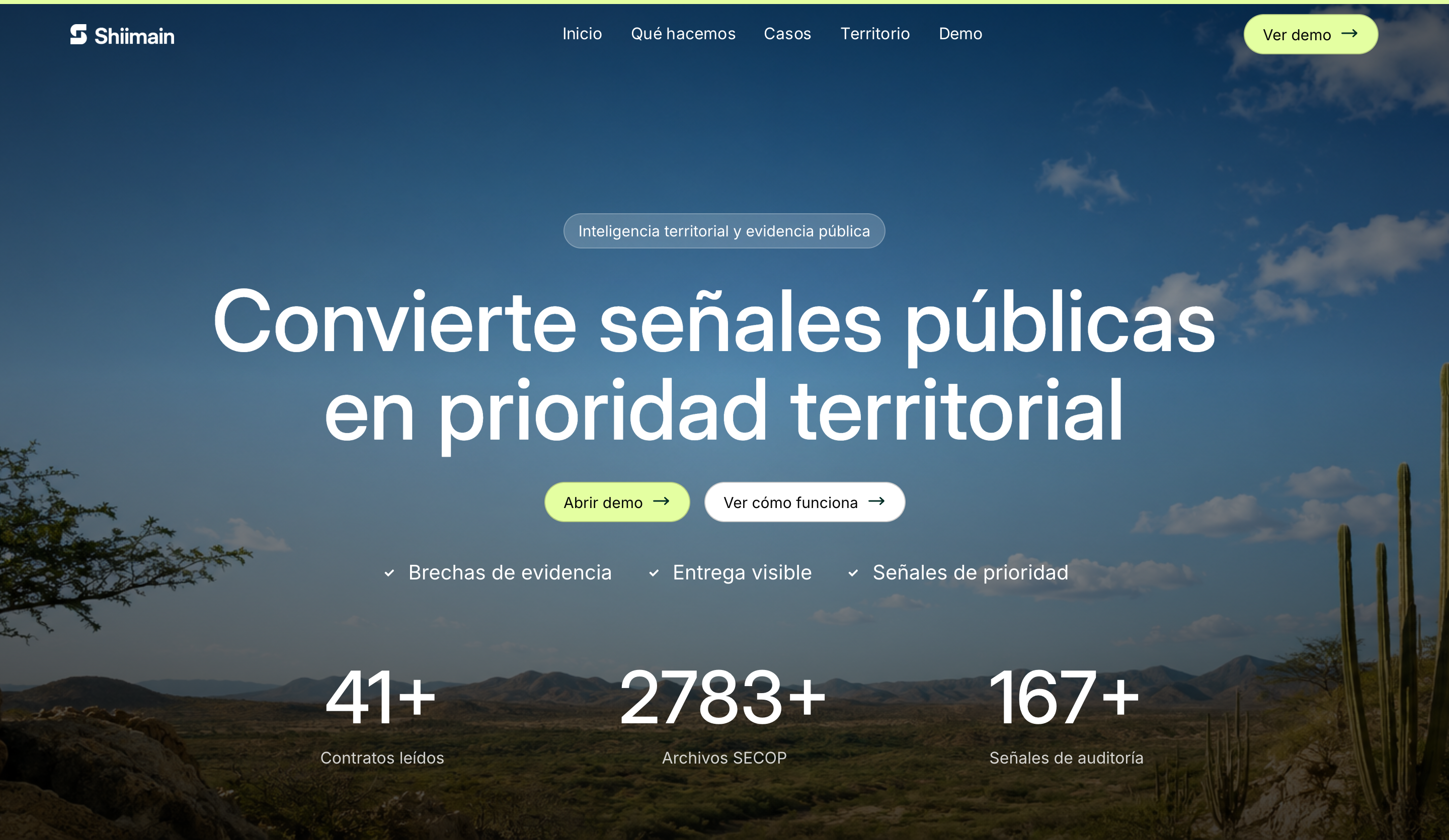
Shiimain, a territorial evidence interface in Dardo's published work, is the closest public example of how we design data views: it keeps place, period and source visible as the view changes. It is a public prototype without sign-in or per-client data, not a client portal.
Billing, onboarding and support inside the portal
If clients pay through the portal, use a billing provider rather than custom card handling. Stripe Billing charges 0.7% of billing volume on its pay-as-you-go plan and includes a Stripe-hosted customer portal where customers manage their own billing details. We connect it to your plans so access follows payment status, with the provider's signed events as the source of truth.
Onboarding decides whether clients use the portal at all. We design the invitation email, the first sign-in, a first screen that shows something useful straight away, and a short path to the action each client needs most. Support flows let clients open a request against a specific project or document, so your team answers with context instead of searching through email.
Questions before you choose
What determines the cost of a custom client portal?
The number of roles, how strictly data must be isolated, integrations with your CRM, ERP or billing system, the number of distinct dashboards and whether clients pay inside the portal. Importing existing client records and documents also adds work. We quote a written scope after the requirements review, and we tell you when a tool would deliver the same result for less.
How long does it take to build a client portal?
It depends on access to the systems you want integrated, how much data needs cleaning and how quickly your team answers permission questions. Sign-in, tenancy and permissions come first as a tested milestone, followed by features and a pilot with a few real clients. The proposal fixes dates once integration access is confirmed.
Can clients log in with Google or Microsoft?
Yes. Google's sign-in conforms to the OpenID Connect standard, and Microsoft's identity platform supports it for both personal Microsoft accounts and work or school accounts in Microsoft Entra ID. Microsoft sign-in can also be limited to one organization's Entra tenant, which suits portals for corporate clients. Clients without either account can sign in by email.
Can the portal connect to our CRM or ERP?
Usually, if the system has an API or a reliable export. Before building, we confirm access, rate limits and which system owns each field, and we decide whether the portal reads live data or a synchronized copy. Systems without an API may need a scheduled file import, which we flag in the scope.
How do you handle security and backups?
Permissions are enforced on the server and tested with automated attempts to cross client boundaries, and staff access is logged. Backups depend on the database: Cloudflare D1, for example, can restore a database to any minute in the last 30 days on the Workers Paid plan. We document the restore procedure and test it before launch.
Who owns the portal and its data?
You do. The database, file storage and service accounts are in your company's name, the code repository is transferred at handover, and data can be exported in standard formats. Your clients' personal data stays under your privacy policy and your obligations as the organization responsible for it.
Do you provide ongoing support after launch?
Yes, as an agreed monthly scope covering monitoring, security updates, dependency upgrades and small changes, or as separate projects for larger features. A portal holds client data, so someone must own updates after launch. If that is your internal team, we hand over documentation and a walkthrough instead.
Sources & further reading
Sources behind this page, with further detail from the original publishers.
- OWASP Top 10:2025, A01 Broken Access Controltop10.owasp.org
- Stripe Billing pricingstripe.com
- Google Identity: OpenID Connectdevelopers.google.com
- Microsoft identity platform: OpenID Connectlearn.microsoft.com
- Cloudflare D1: Time Travel (point-in-time recovery)developers.cloudflare.com